Fifteen years of writing Laravel APIs, tuning MySQL queries, and managing AWS infrastructure has taught me that a good setup isn't about buying the most expensive gear — it's about removing friction so you can stay in flow for a full workday. Here's what's currently on my desk, and why each piece stuck around.
Keyboard: Keychron K8 Pro
A hot-swappable mechanical keyboard with a wired/wireless switch — I keep it wired for the main dev machine to avoid input lag during long refactors. The tactile switches make an eight-hour day of typing noticeably less fatiguing than the membrane keyboard I used for years before it.
Check price on Amazon →Monitor: LG 27" 4K UltraFine
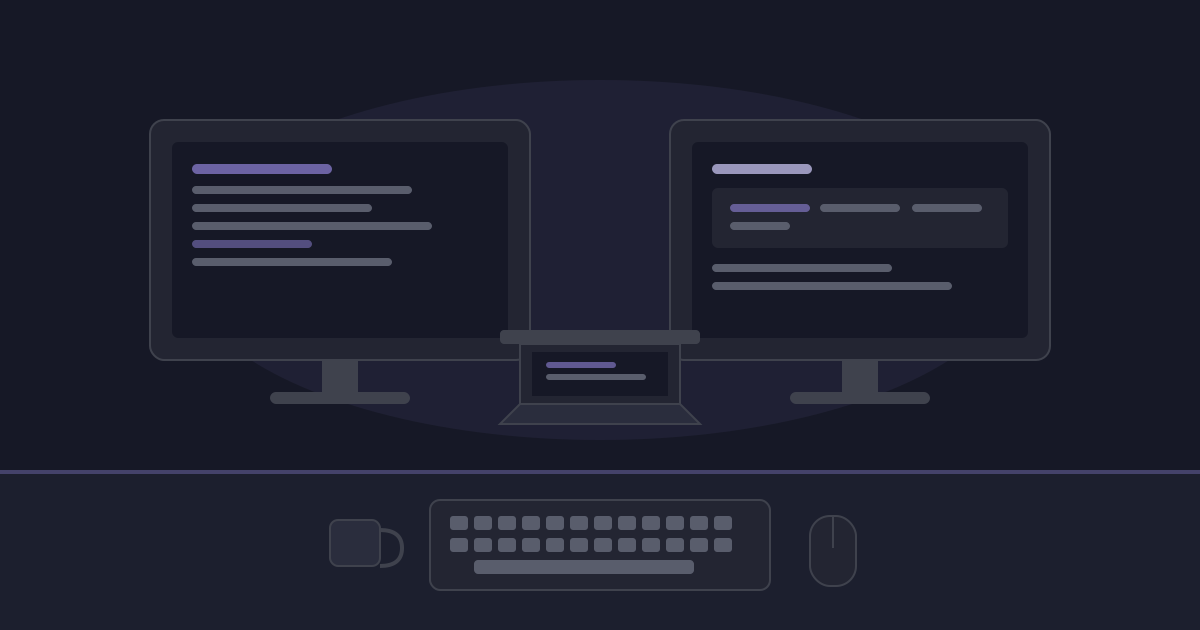
Running two of these side by side is the single biggest upgrade I've made to daily productivity — one for code, one for logs, dashboards, and documentation. 4K at 27" gives enough real estate to keep a terminal, editor, and browser visible without constant window-switching.
Check price on Amazon →Mouse: Logitech MX Master 3S
The quiet clicks and the horizontal scroll wheel are genuinely useful when scrubbing through wide CloudWatch dashboards or spreadsheets. It also pairs with multiple machines and switches between them with one button, which matters when you're bouncing between a work laptop and a personal one.
Check price on Amazon →Desk gear: laptop stand + USB-C hub
An aluminum laptop stand keeps the laptop screen at eye level so it can act as a third display without wrecking your neck, and a single USB-C hub replaces a tangle of cables for monitors, ethernet, and power.
Check price on Amazon →One book: Designing Data-Intensive Applications
If you build systems that touch databases, queues, or caches — which is most backend work — this is the one book I'd point a mid-level engineer to before any framework-specific guide. It's shaped how I think about the tradeoffs behind every architecture decision I make.
Check price on Amazon →What I'd skip
A standing desk converter and a fancy webcam sounded essential before I owned them and turned out to matter far less than the keyboard and monitors above. If you're budget-constrained, start with the input devices and display — that's where the daily friction actually lives.